Building My Own Secure Note-Taking Web App 🗒️💻
A developer-focused, privacy-first note application built with Cloudflare Workers, featuring Markdown editing, syntax highlighting, and secure authentication.
For years, I’ve been taking notes the old school way with pen and notebook.
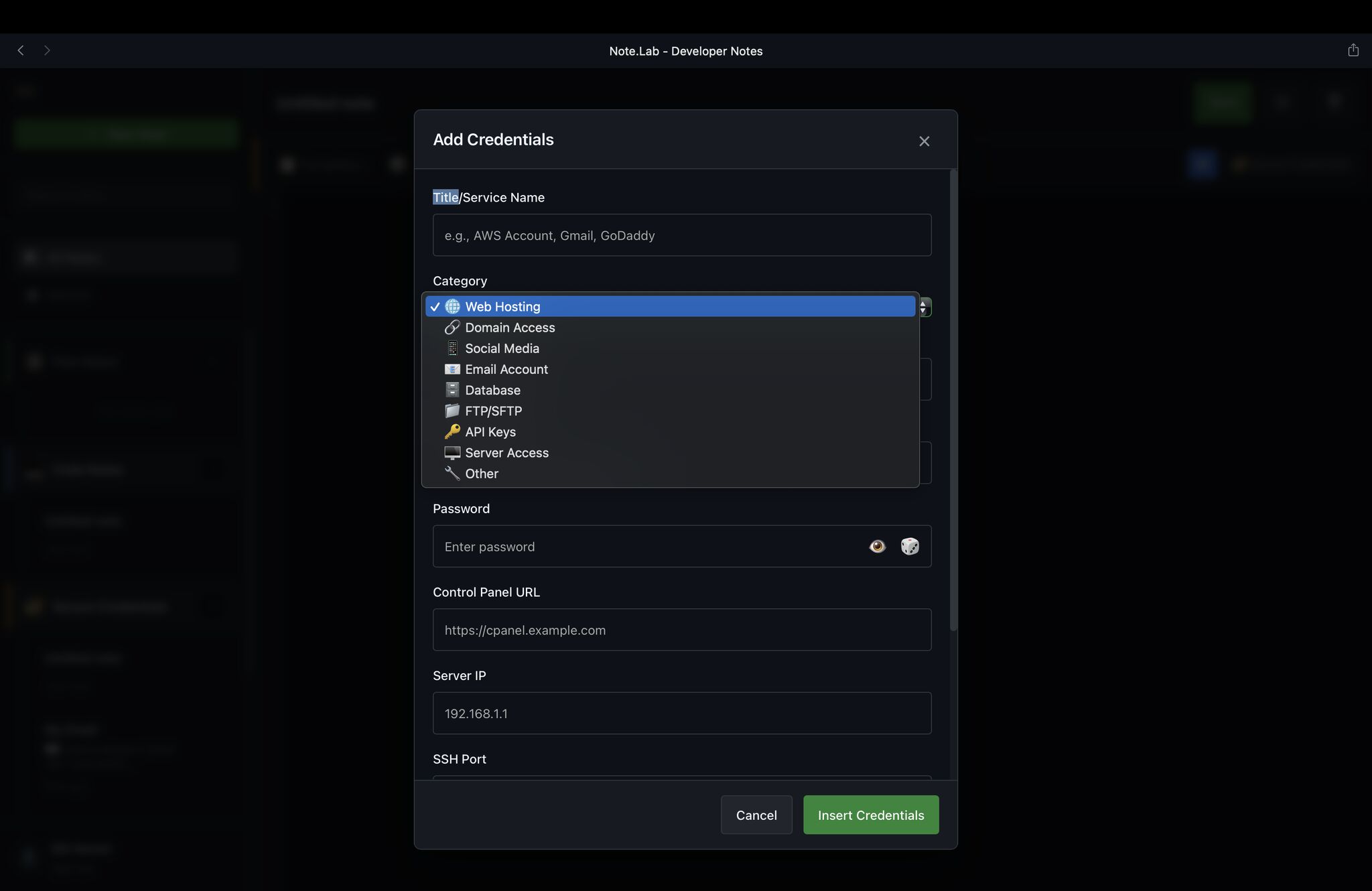
Sometimes, I also use digital note apps where I store passwords, code snippets, APIs, and even server login details.
But as we all know, no matter which platform you use, digital notes are never 100% safe.
The Need for Privacy and Control
Nowadays, Alhamdulillah, I’m involved in some sensitive projects that require a high level of confidentiality especially from my company’s side.
As developers, we often deal with access credentials, internal APIs, and private codebases, which can’t be risked on third-party platforms.
So, for a long time, I’ve been planning to build my own secure note-taking system—something flexible, customizable, and fully under my control.
And Alhamdulillah, after months of work, that vision is now a reality.
Introducing Note.Lab — A Developer-Focused Secure Notes App
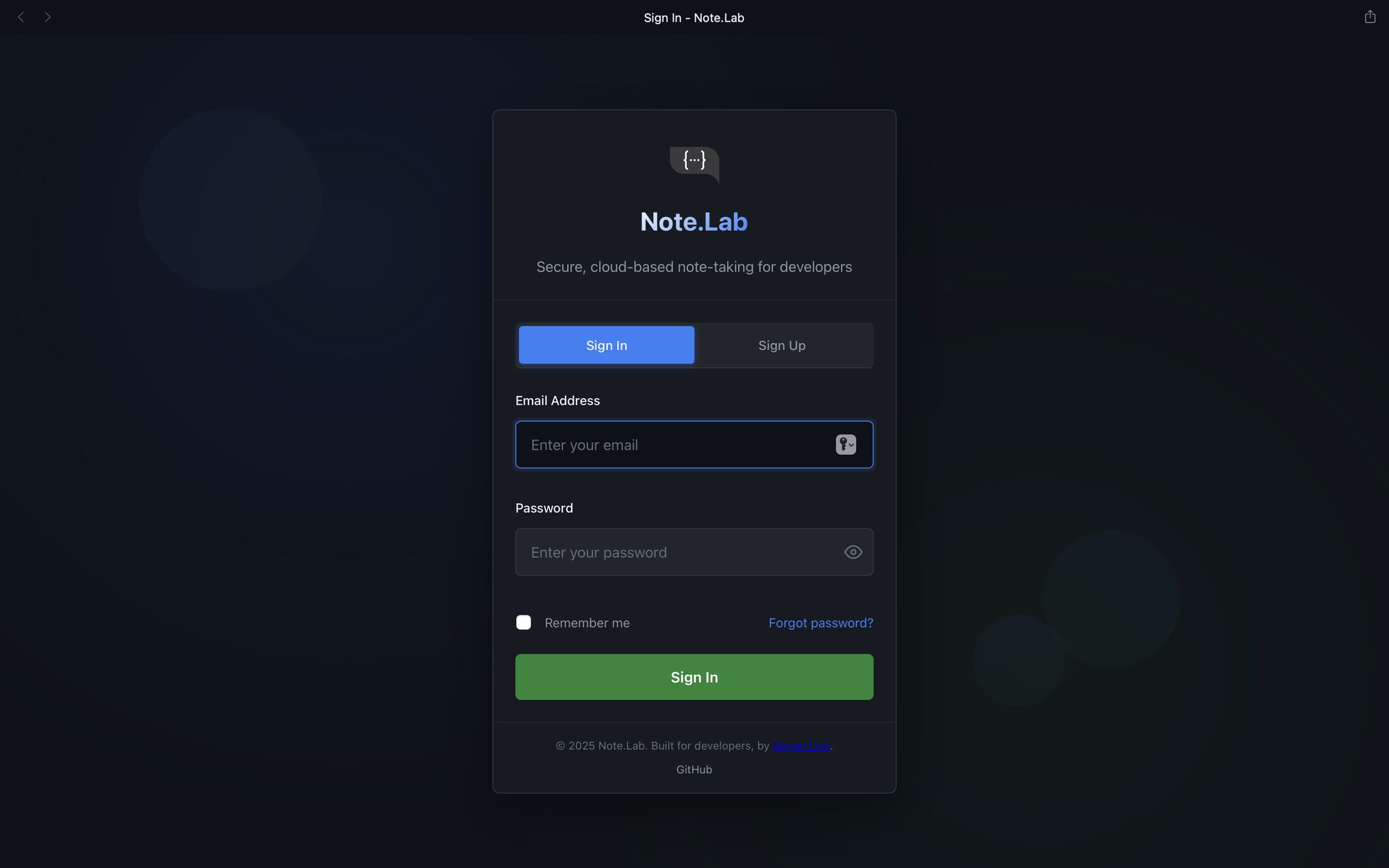
Note.Lab is a web-based note application designed specifically for developers who value privacy and data ownership.
It’s built with simplicity, flexibility, and security in mind — ideal for managing everything from code snippets and project notes to credentials and technical documentation.
While I’ll still use Google Keep for casual notes or quick thoughts, all sensitive and confidential information will now go exclusively into Note.Lab, Insha’Allah.
Key Features
Developer-Friendly Interface
A clean and minimal UI inspired by GitHub, optimized for coding and technical documentation.
Markdown Editor with Syntax Highlighting
Powered by CodeMirror and Prism.js, allowing smooth formatting of text, code, and structured content.
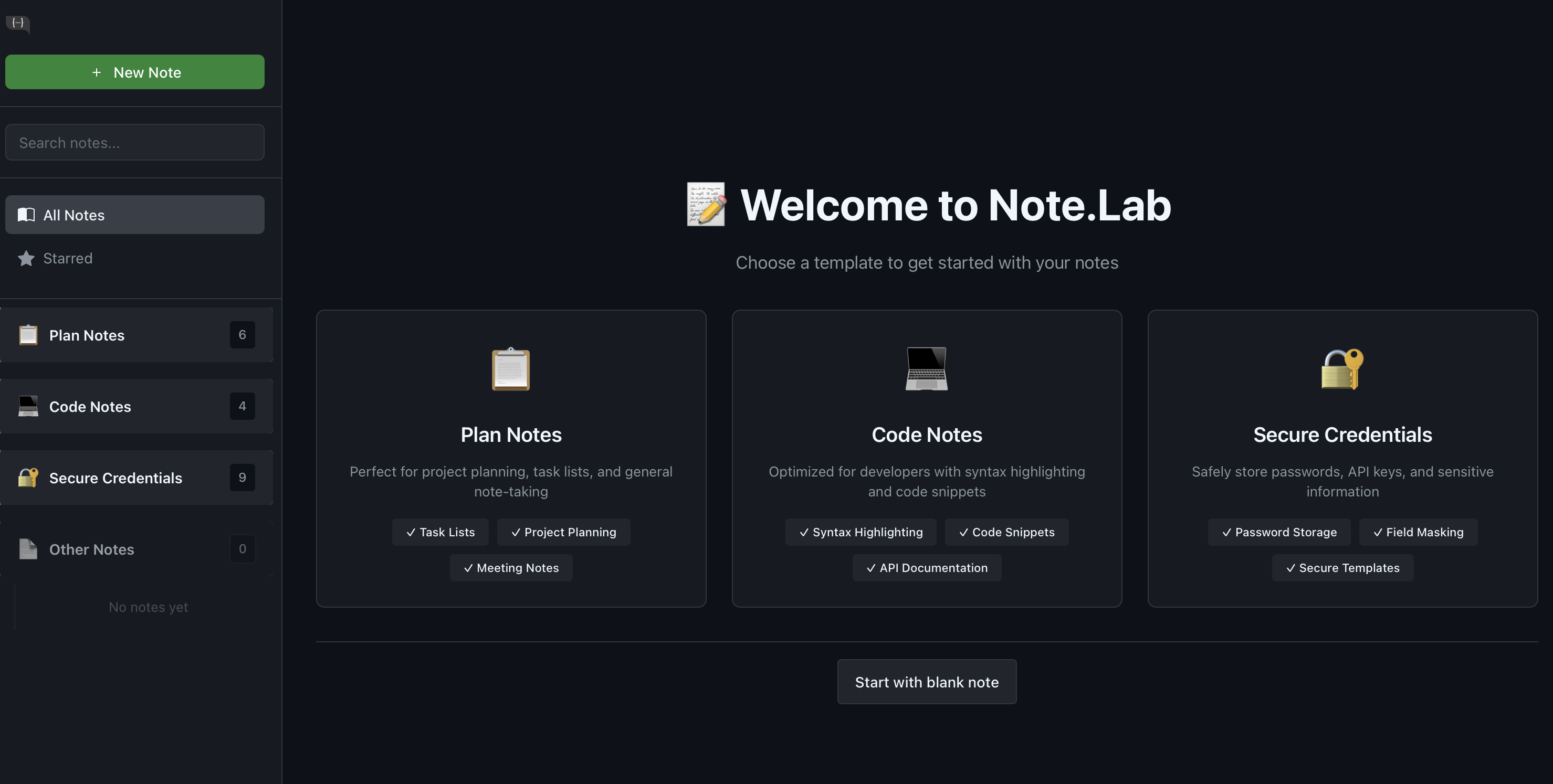
Categorization and Tagging
Organize notes using tags, categories, and starred lists for quick access.
Full-Text Search and Batch Operations
Easily search through all notes and perform multi-note actions efficiently.
Secure Authentication
Built with JWT-based login, session management, and password recovery systems.
Serverless and Scalable
Hosted on Cloudflare’s edge network, using:
- D1 (SQLite) for fast, full-text search
- R2 for secure file attachments
- KV for session and cache management
Tech Stack Overview
- Frontend: HTML, CSS, JavaScript
- Libraries: CodeMirror, Prism.js
- Infrastructure: Cloudflare Workers, D1, R2, KV
- Security: JWT Authentication, Environment Variables, and Optional Self-Hosting
Setup & Deployment
If you’re a developer who wants to self-host Note.Lab, here’s how you can get started:
-
Install Node.js (v16+) and npm.
-
Install Wrangler CLI:
npm install -g wrangler -
Clone the repository:
git clone https://github.com/Aeroer-Live/Note.Lab.git -
Set up your Cloudflare environment:
- Create a D1 database
- Configure KV namespace (e.g., SESSIONS)
- Create an R2 bucket for attachments
- Define environment variables (JWT_SECRET, ENVIRONMENT) in
wrangler.toml
-
Deploy:
wrangler deploy
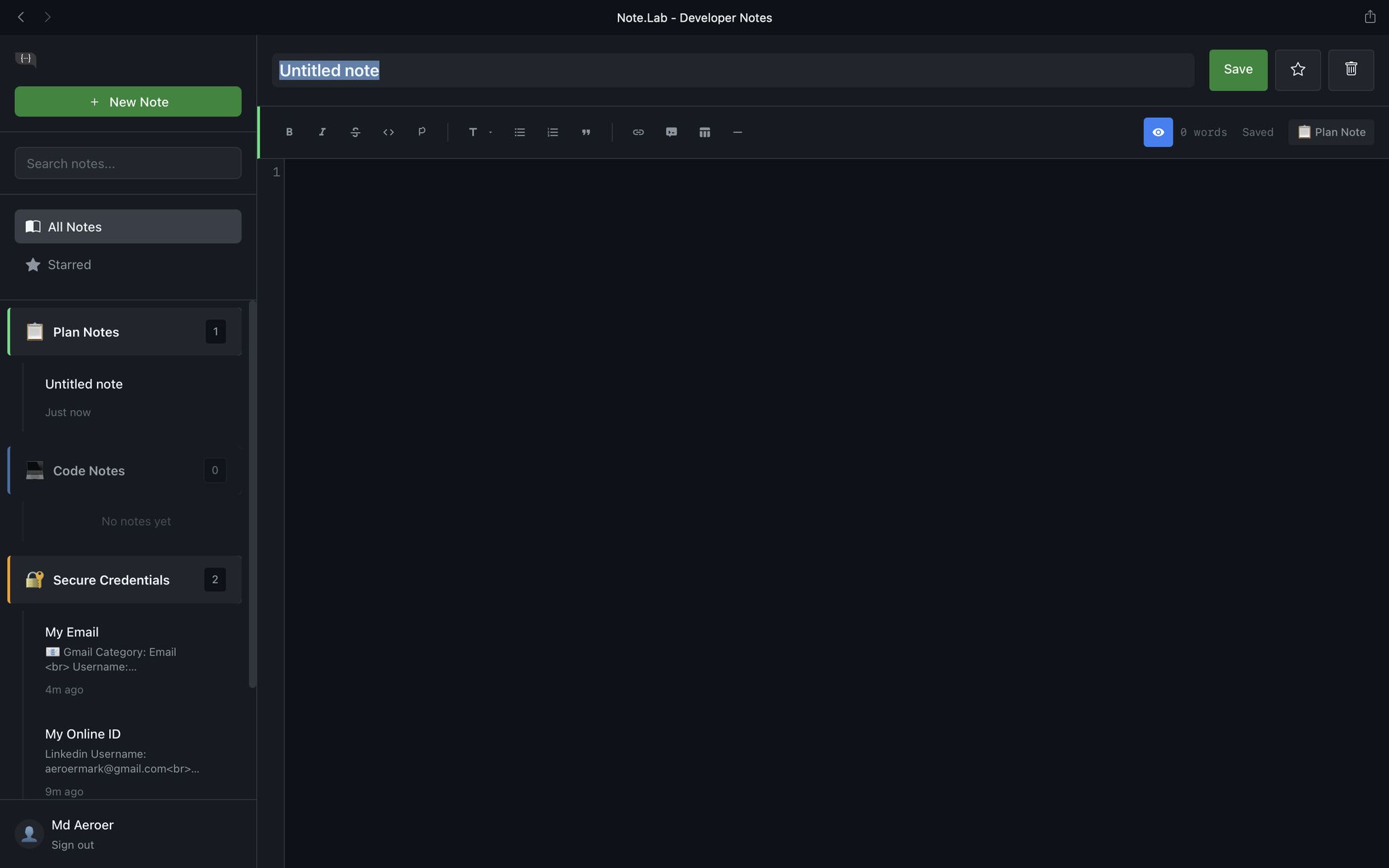
Once deployed, you can log in securely, create notes, and manage everything under your own server.
🚀 What’s Next
I’m currently planning several future enhancements, including:
- Note export/import (PDF, Markdown)
- Version history (like Git commits)
- Offline mode with auto-sync
- Shared notes with access control
- AI-powered note summaries
- Two-Factor Authentication (2FA)
🌍 Open Source for the Community
The GitHub repository is public, so anyone is welcome to explore, modify, or expand the project:
You can add your own backend, host it locally or on your home server, and fully customize it to your workflow.
This project started as a personal solution to a real problem I faced — and I hope it inspires other developers to take control of their data, too.